Controls
Fresnel comes with the controls you expect from a modern toolkit. Every control is styled with CSS, works with the keyboard, and follows the light or dark theme. Most of them can be tried on Try it live.
Building blocks
These are the elements you use to build the structure of a form. The CSS names are the ones web developers know.
| Class | CSS name | What it is |
|---|---|---|
TBody | body | The container for all visible elements of a form. |
TDiv | div | An empty box, to group other elements. It plays the role of a TPanel in the LCL. |
TSpan | span | Like a TDiv, but placed on the same line as its neighbours. |
TLabel | label | A box with a text (Caption). |
TImage | img | An image. |
The control families
| Kind | Controls |
|---|---|
| Buttons, choices | TButton, TCheckBox, TRadioButton, TCheckGroup, TRadioGroup |
| Text input | TEdit, TMemo, TButtonEdit, TFileNameEdit, TDirectoryEdit, TSpinEdit, TFloatSpinEdit, TTimeEdit, validators |
| Lists | TListBox, TCheckListBox, TColorListBox, TGroupedListBox, TOwnerDrawListBox |
| Drop-down lists | TComboBox, TColorComboBox, TCheckComboBox, TGroupedComboBox, TOwnerDrawComboBox |
| Trees and grids | TTreeView, TStringGrid |
| Containers | TPanel, TGroupBox, TPageControl, TTabs, TSplitter |
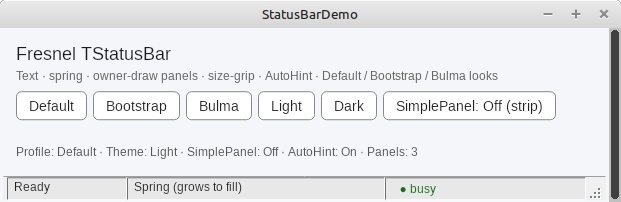
| Menus and bars | TMainMenu, TPopupMenu, TStatusBar |
| Dates | TCalendar, TCalendarEdit |
| Progress, values | TProgressBar, TSpinner, TTrackBar |
| Notifications | TToast |
| Dialogs | open and save file, select folder, colour, font, ShowMessage, MessageDlg, QuestionDlg, InputQuery |
| Code editor | TFresnelSynEdit, with syntax highlighting (separate package) |
| Video (experimental) | TVideo: show a camera, a part of the screen, or play a video file (separate package) |
| Data | data-aware binding of the normal controls to a dataset, and a grid that shows a dataset |
| Developer tools | TCSSStyleInspector, TLayoutInspector |
A tour in pictures
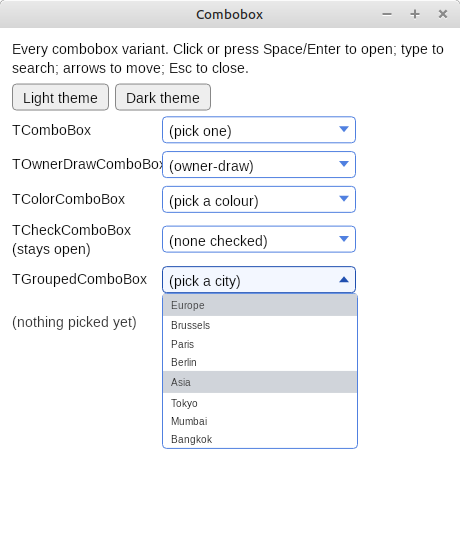
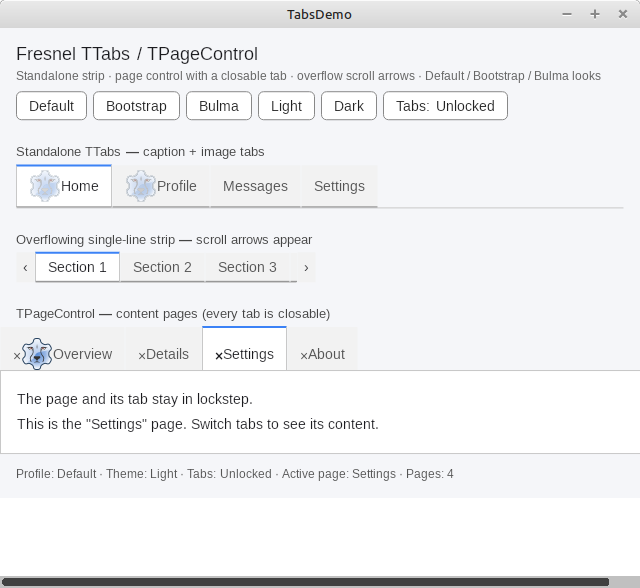
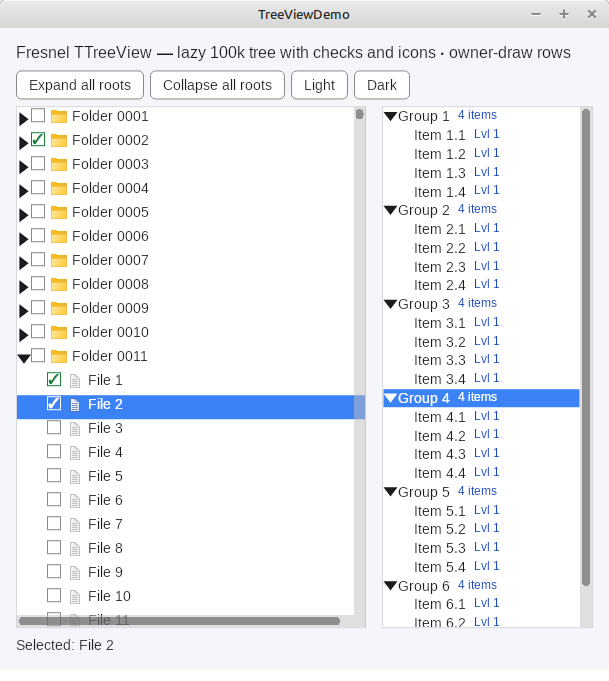
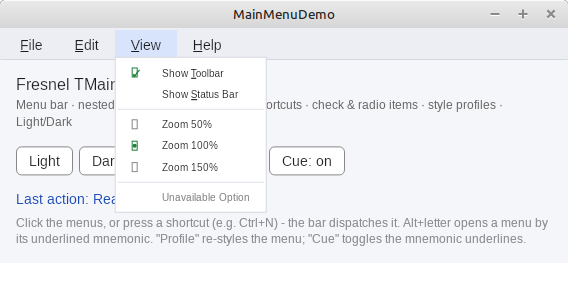
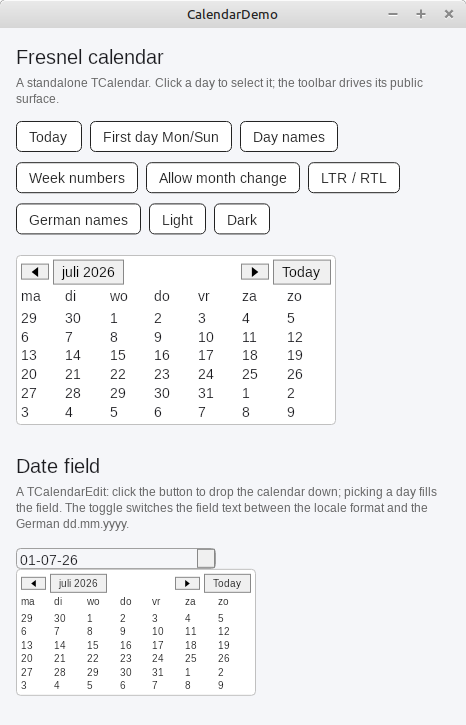
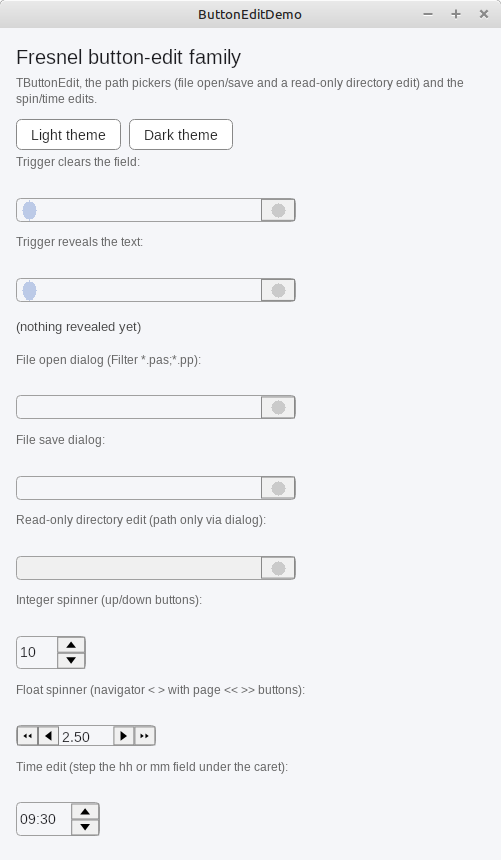
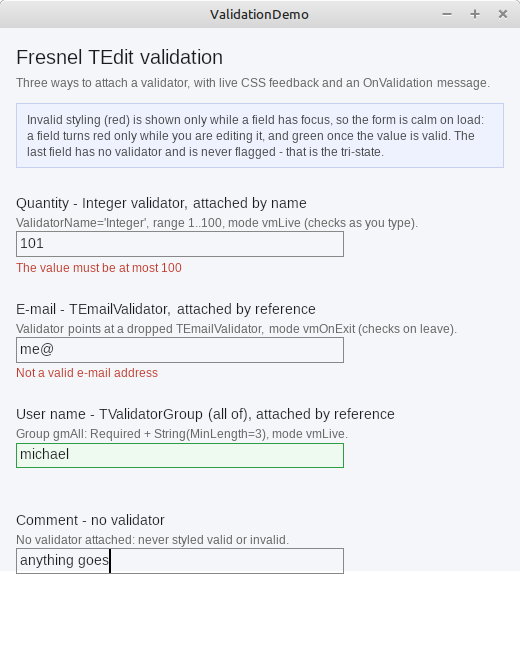
:invalid CSS state.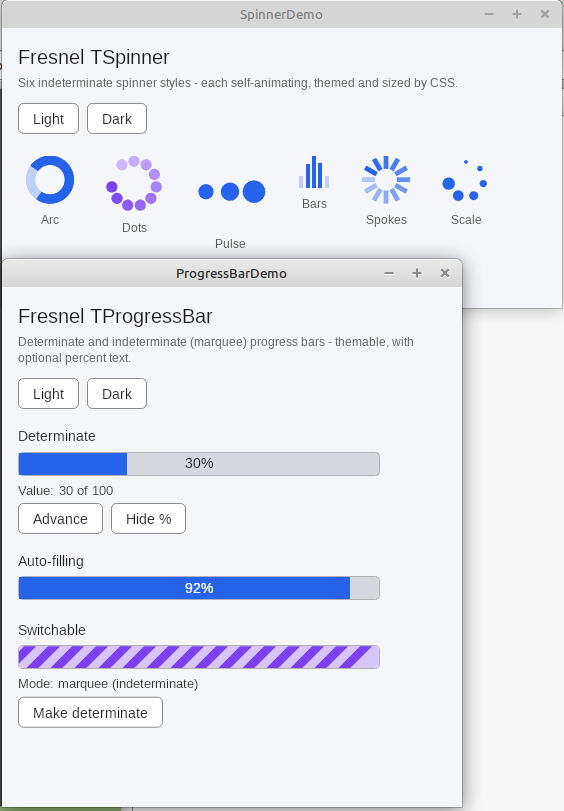
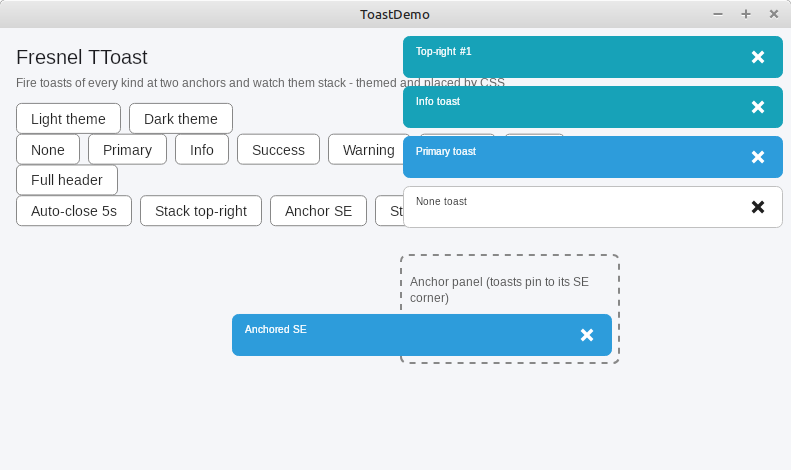
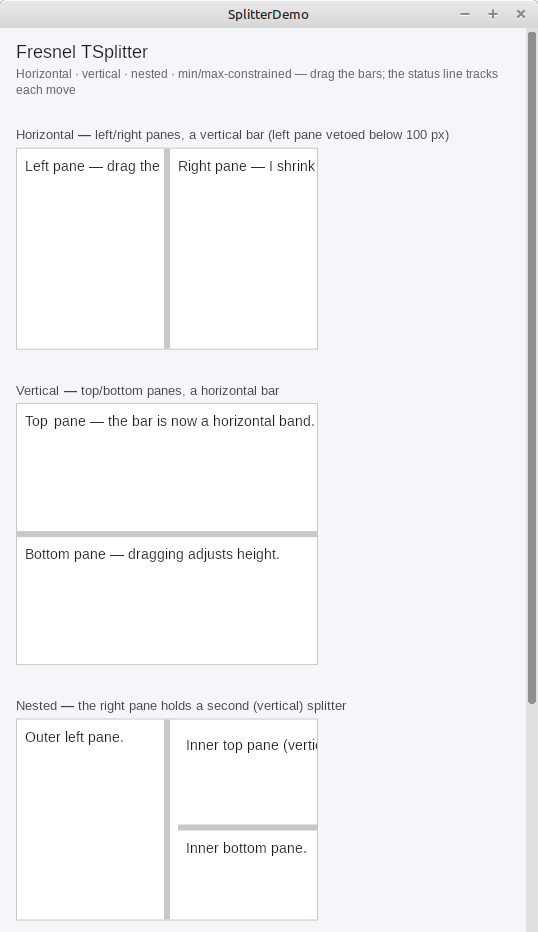
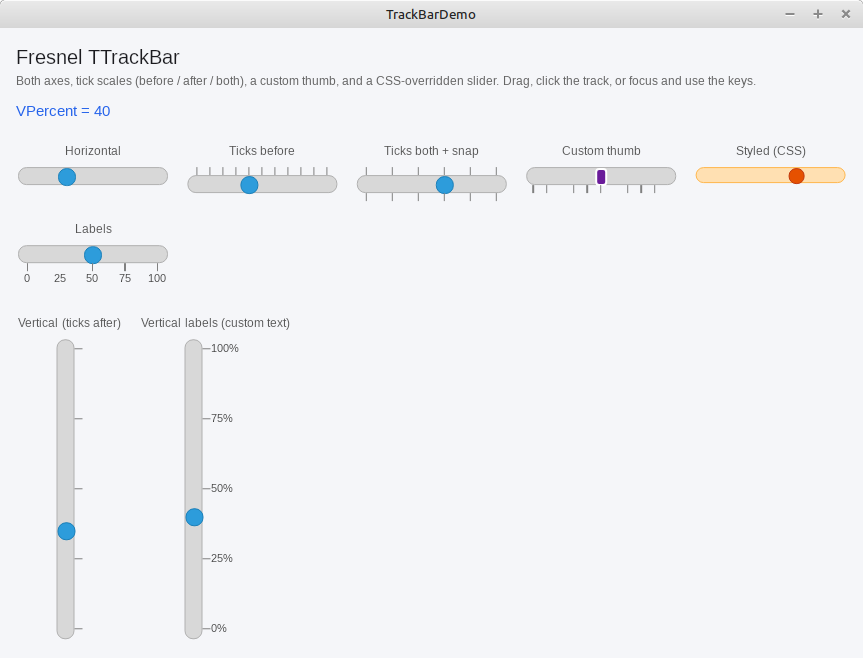
The big ones
The grid
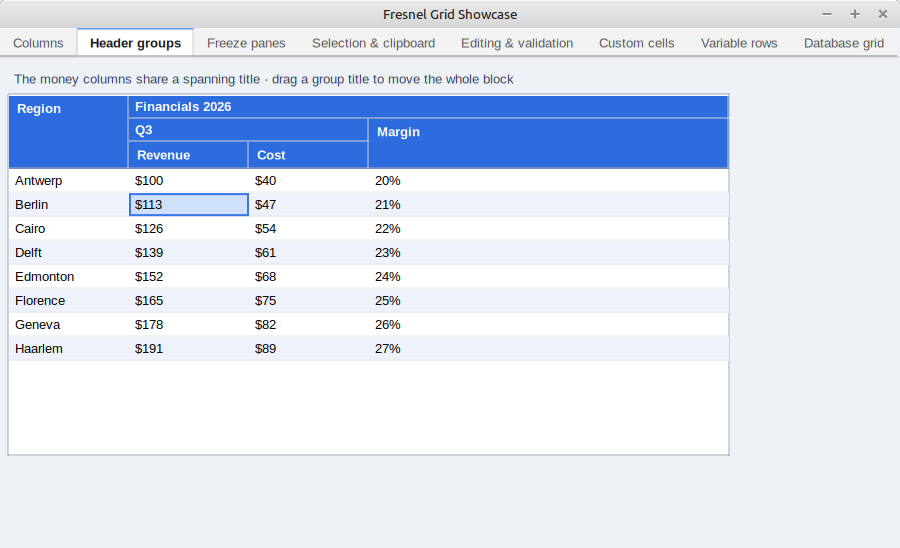
TStringGrid is a complete table control: columns with titles, groups of column titles, frozen rows and columns,
selection by cell, row or range, sorting by clicking a column title, editing inside the cells (text, combo box, date,
number, check box), validation, variable row heights, moving columns with the mouse, and copy and paste.
The grid asks a data provider for its data, so it can also show the rows of a database query.
The code editor
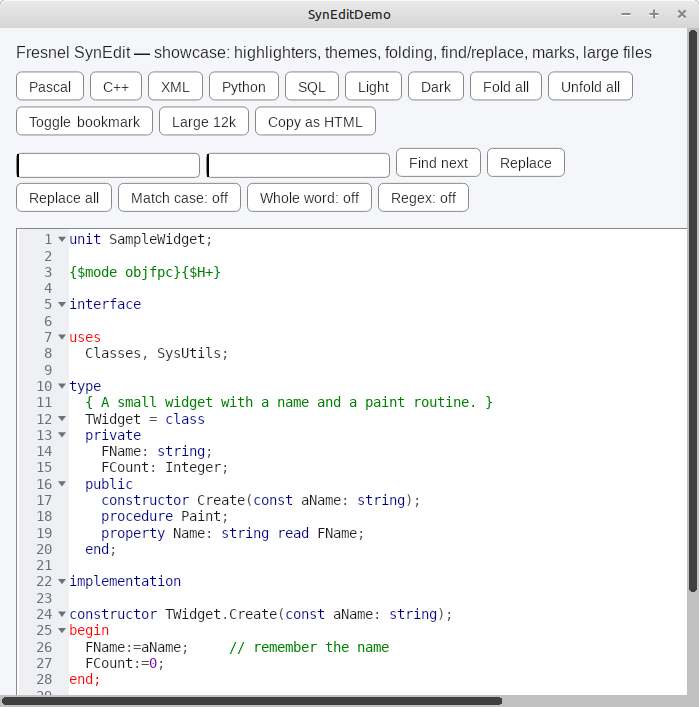
TFresnelSynEdit is a Fresnel version of the SynEdit editor of Lazarus: syntax highlighting, undo and redo,
column selection, a gutter with line numbers and code folding, search, and code completion.
It does not use the LCL, so it also runs in the browser.
Data-aware controls
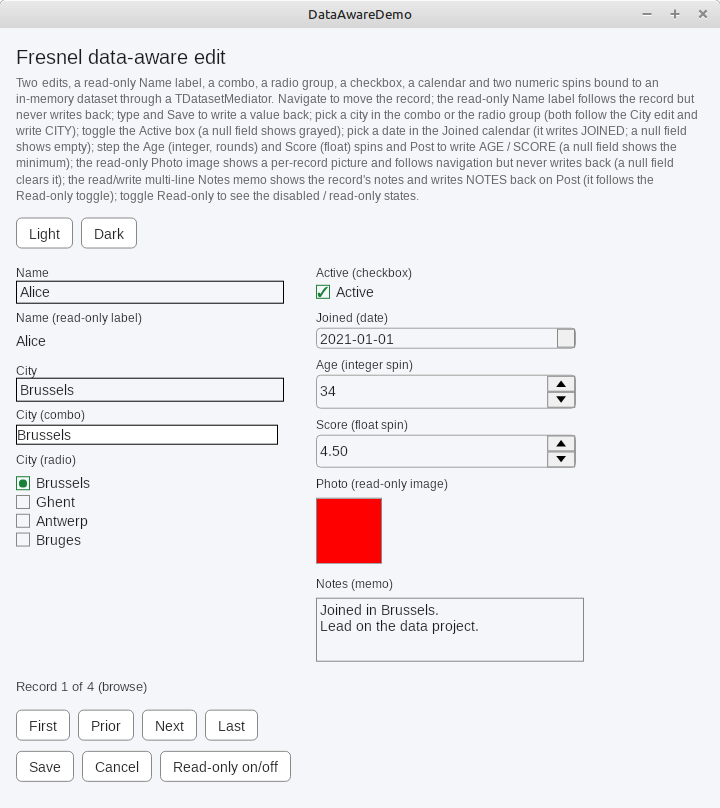
Fresnel has no TDBEdit. Instead, a mediator connects a normal control to a field of a dataset.
The same TEdit can be used with or without a database. There are mediators for the edit, memo, check box,
combo box, calendar edit, spin edit, radio group, label and image, and the grid can show and edit a dataset.
Video and media
TVideo is an element (CSS name video) that shows moving pictures. Like every other element,
its size and place are set with CSS. It can show three kinds of sources:
- A camera:
OpenCameraopens the default camera, or a camera you choose from the list of cameras. - The screen:
OpenScreencaptures the whole screen, andOpenScreenSourcecaptures one part of it, chosen from a list of sources. - A video file:
OpenFileplays a file. Use theTransportproperty to play, pause, jump to a position, change the speed and set the volume.
Video1:=TVideo.Create(Self);
Video1.Parent:=Body1;
Video1.OpenCamera;              // show the default camera
// Video1.OpenScreen;           // or: show the whole screen
// Video1.OpenFile('film.mp4'); // or: play a video file
The Fit property decides what happens when the picture and the element have a different shape:
fit the whole picture inside (the default), stretch it, or fill the element and cut off the edges.
Good to know:
- The media support is in a separate package,
FresnelMedia(src/media). Each platform uses the media system of the operating system: Video4Linux and X11 on Linux, Media Foundation on Windows, AVFoundation on macOS. You add the media unit for your platform to theusesclause, for exampleFresnel.Linux.MediaService. - Fresnel itself can only play simple video files (AVI files with MJPEG pictures). To play normal video files,
such as MP4, add the optional
fresnelvlcpackage. It uses the VLC library, which must be installed on the computer. - The Video demo also runs in the browser, on Try it live: there, the browser asks for permission to use your camera. The MediaPlayer demo in the Fresnel sources shows how to play a video file.
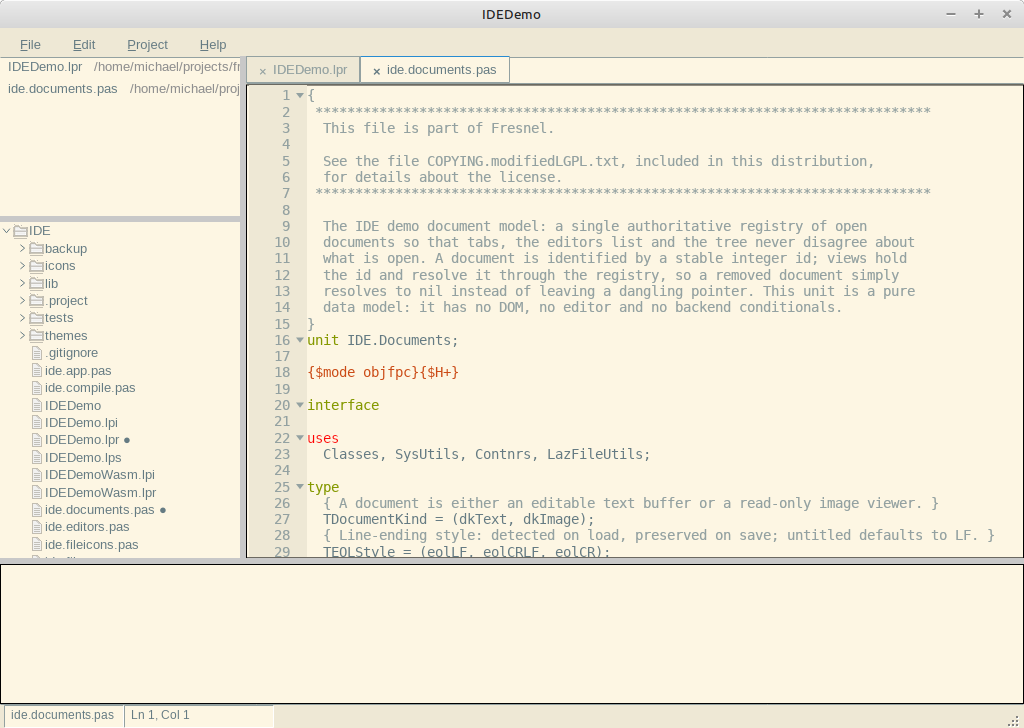
Proof: a complete application
The IDE demo is a small code editor in the style of VS Code: menus, a file tree, tabs with editors, splitters and a status bar, with themes and preferences. It is built almost only by putting the standard controls together. It is an example of what you can build with Fresnel, not a tool you need.