Fresnel
A modern widget set for native Free Pascal and Lazarus applications.
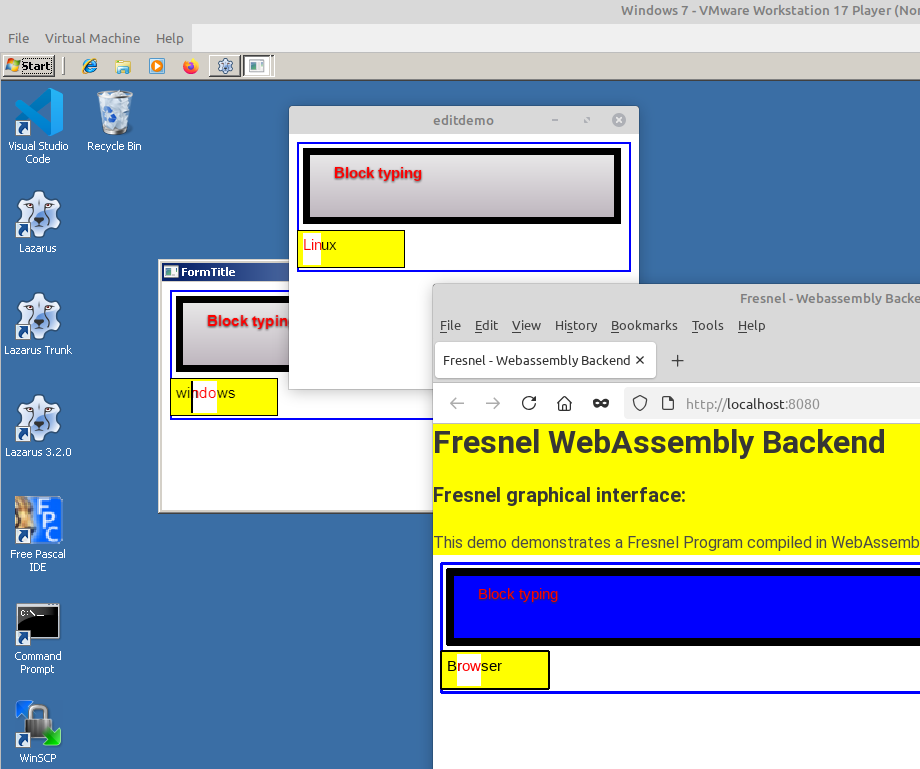
Fresnel is a set of visual controls (buttons, edits, lists, grids, menus, trees ...) for Object Pascal. Fresnel draws the controls itself, and CSS decides how they look and where they go. You get a normal, native program for Windows, Linux or macOS. The same code can also run in a web browser, compiled to WebAssembly.
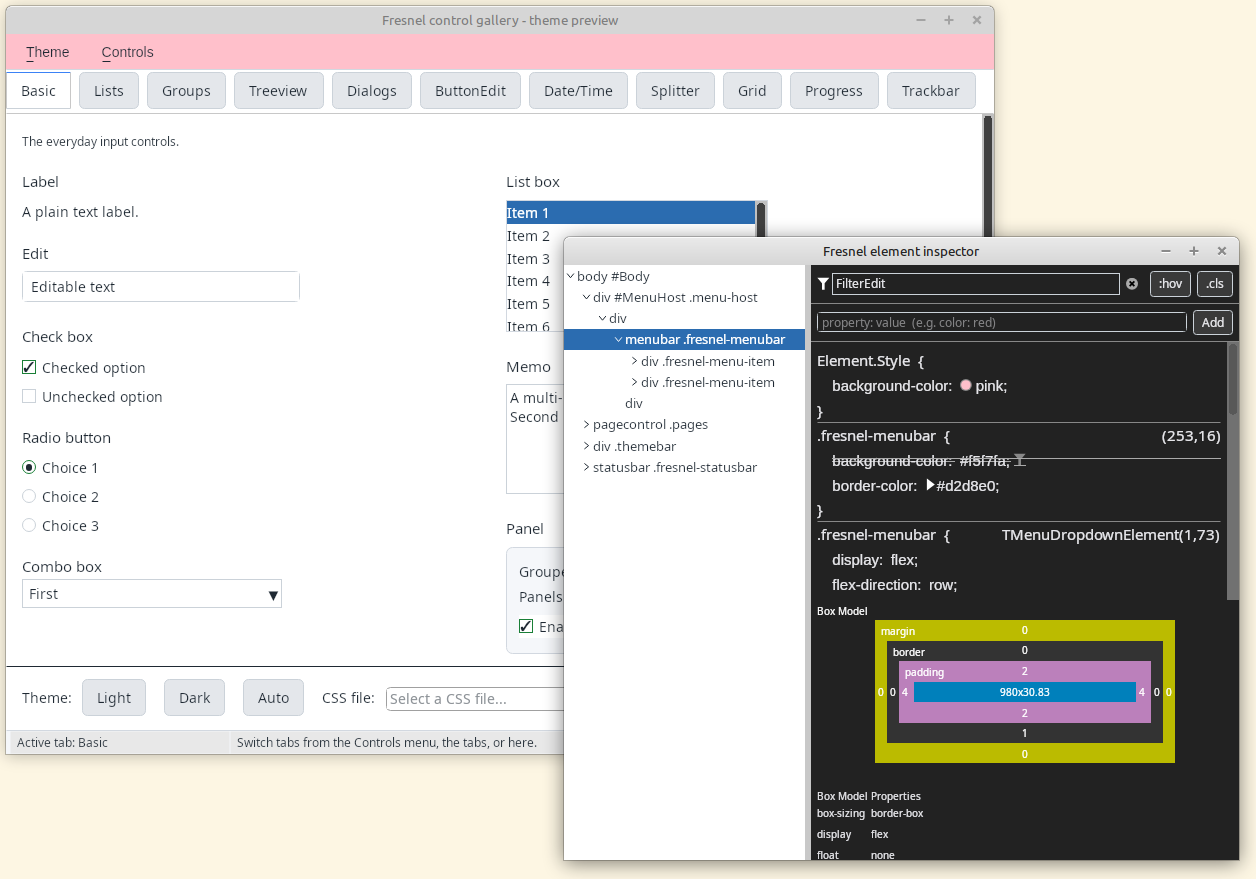
Fresnel in one picture
You write Pascal code, as you always did. The look and the layout go in CSS. The Free Pascal compiler turns it into a program.
Your Pascal code
- forms and
.lfmfiles - components with properties and events
- your program logic, databases, files ...
CSS stylesheets
- colors, fonts, borders
- layout: flexbox, grid
- light and dark theme
Free Pascal
- the normal
fpccompiler - in Lazarus, with
lazbuild, or on the command line
A native program
- Windows, Linux, macOS
- Android new
- no browser inside, nothing extra to install
A WebAssembly program optional
- the same code, running in a web page
- like the demos on this site
What Fresnel gives you
Native programs
A Fresnel program is a normal executable. There is no browser, no JavaScript and no web server inside. It opens real windows on Windows, Linux and macOS.
Look and layout with CSS
Colors, fonts, borders, spacing and layout (flexbox, grid) come from CSS. Change the stylesheet, and the whole program changes. Light and dark mode are built in.
Made for Pascal programmers
Controls are components with published properties and events. Forms are stored in .lfm files and you can design them in the Lazarus IDE, with the Object Inspector.
Works together with the LCL
Show Fresnel forms next to LCL forms in the same program, or put Fresnel controls on an LCL form. You can move an existing application to Fresnel one form at a time.
Also in the browser
Compile the same program to WebAssembly and it runs in a web page. The user does not need to install anything. All demos on this site work like that.
A complete set of controls
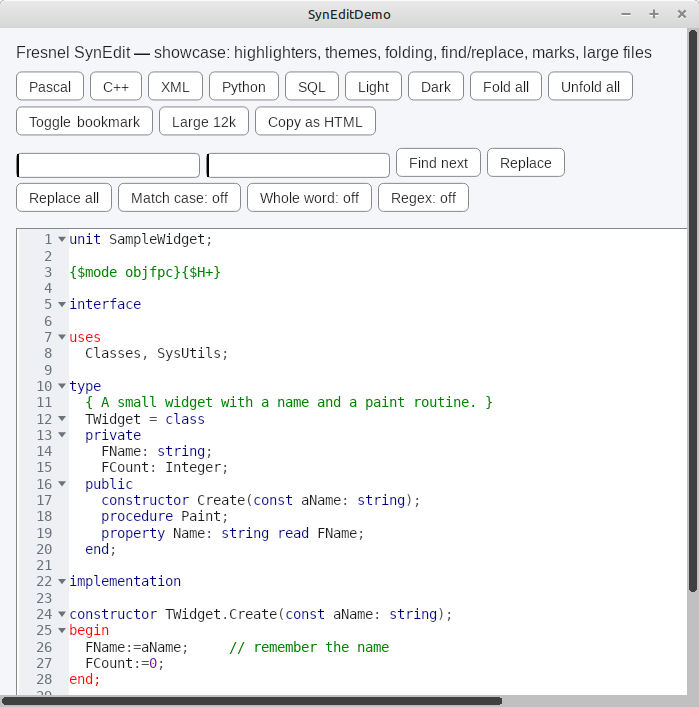
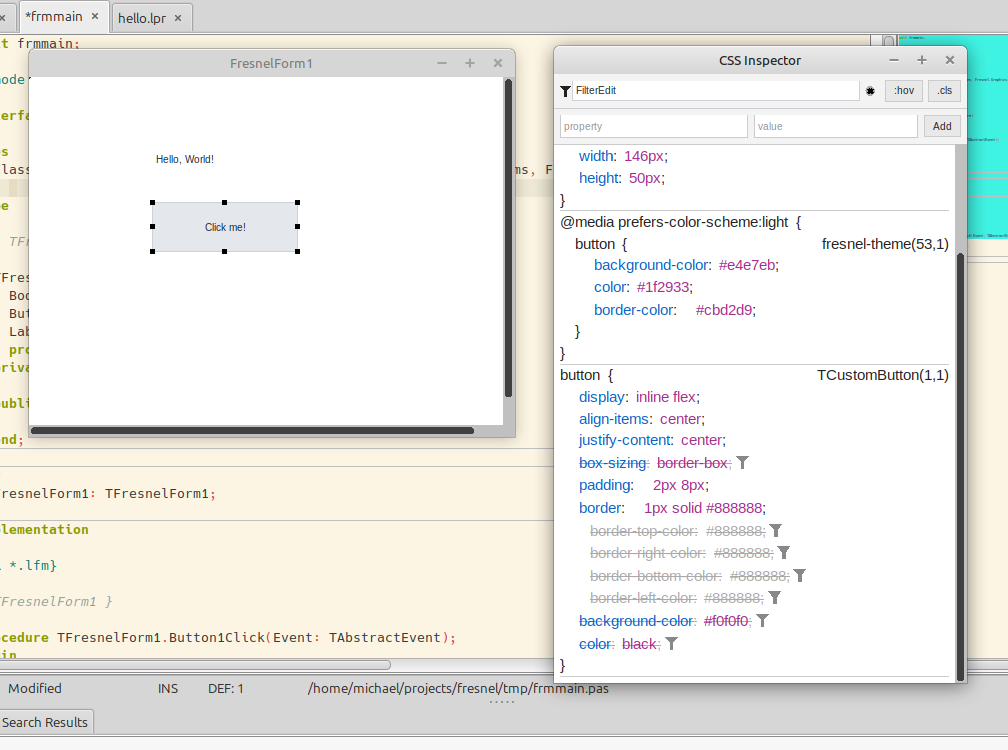
Edits, combo boxes, lists, trees, tabs, menus, a data grid, a calendar, a code editor, dialogs, data-aware controls, video, and even CSS inspection tools.
What does the code look like?
Pascal for what is on the form and what it does. CSS for how it looks.
type
  TForm1 = class(TFresnelForm)
    Body1: TBody;
    Label1: TLabel;
    Button1: TButton;
    procedure Button1Click(Event: TAbstractEvent);
  end;

procedure TForm1.Button1Click(Event: TAbstractEvent);
begin
  Label1.Caption:='Hello, Fresnel!';
end;
/* unit1.css: the stylesheet of the form */
body {
display: flex;
align-items: center;
gap: 8px;
padding: 16px;
}
button {
background-color: #009692;
color: white;
border-radius: 6px;
padding: 6px 14px;
}
button:hover { background-color: #007a77; }Things Fresnel is not
We hear these ideas a lot. None of them are true.
No. A Fresnel program is a normal native program. The browser is only one of the possible targets.
No. You compile Fresnel programs with the normal Free Pascal compiler. pas2js is only used for the small loader page of the browser version.
No. On Linux, Fresnel draws with GTK3, and in the browser, the browser draws. Skia is used on Windows, macOS and Android, and it is shipped with Fresnel.
No. You use the normal Lazarus IDE, or any editor. The “IDE” demo is only an example program.
You can. Fresnel forms and LCL forms can live in the same program, and Fresnel controls can sit on an LCL form.
No. Fresnel is a separate project, with its own repository. It is not installed with Lazarus, and it does not use the LCL.
No. Many names are the same, but positions, sizes, colors and fonts are set with CSS, not with properties.
No. There is no HTML and no JavaScript. Fresnel borrows CSS and the idea of a tree of elements. Everything else is Pascal.
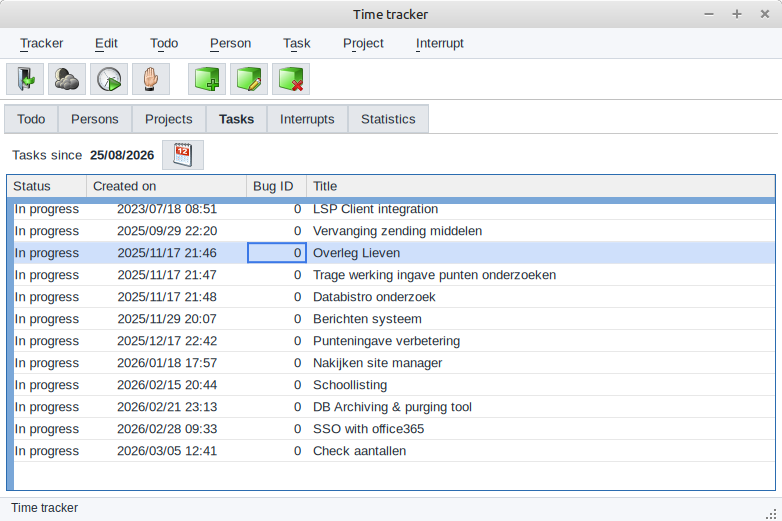
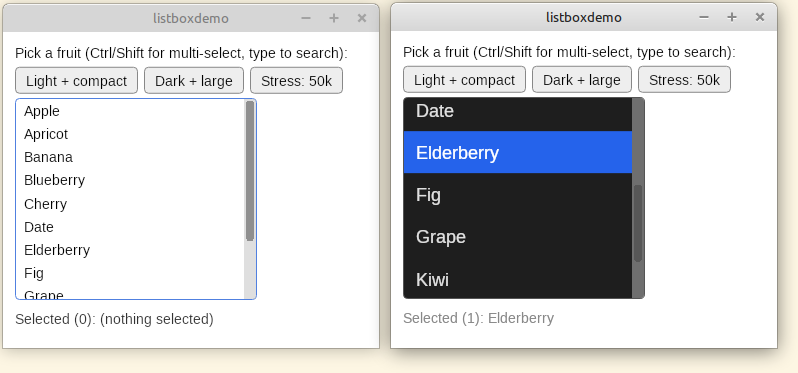
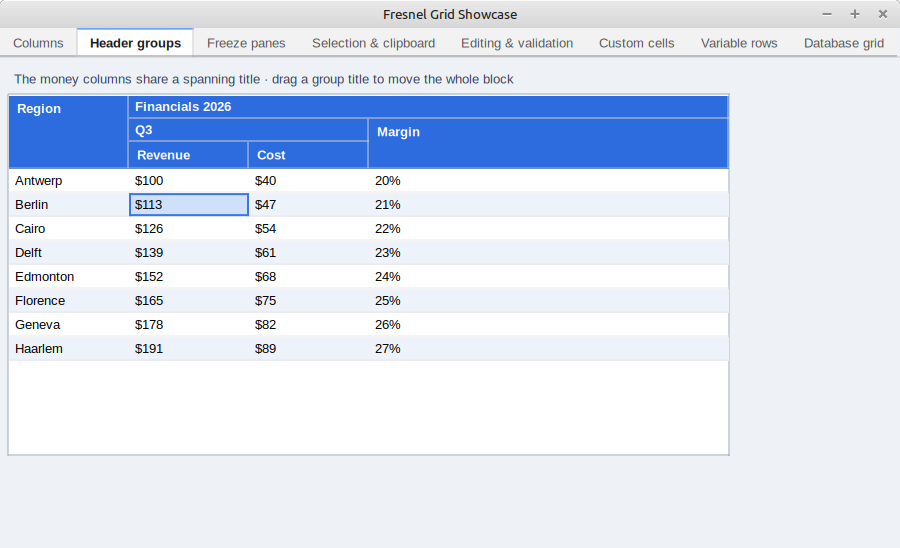
Real programs, real screenshots
All of these are native programs, except where the caption says otherwise.
Where Fresnel runs
Fresnel chooses the right backend for the platform you compile for. Your code does not change.
See it for yourself
More than 60 demo programs run in your browser, with nothing to install. When you are ready, get the sources and build your first Fresnel program.